Key takeaways
- Word-for-word camera translators mangle culinary idioms, turning dishes like 'Shui Zhu Yu' into literal nonsense like 'water boiled fish slices'.
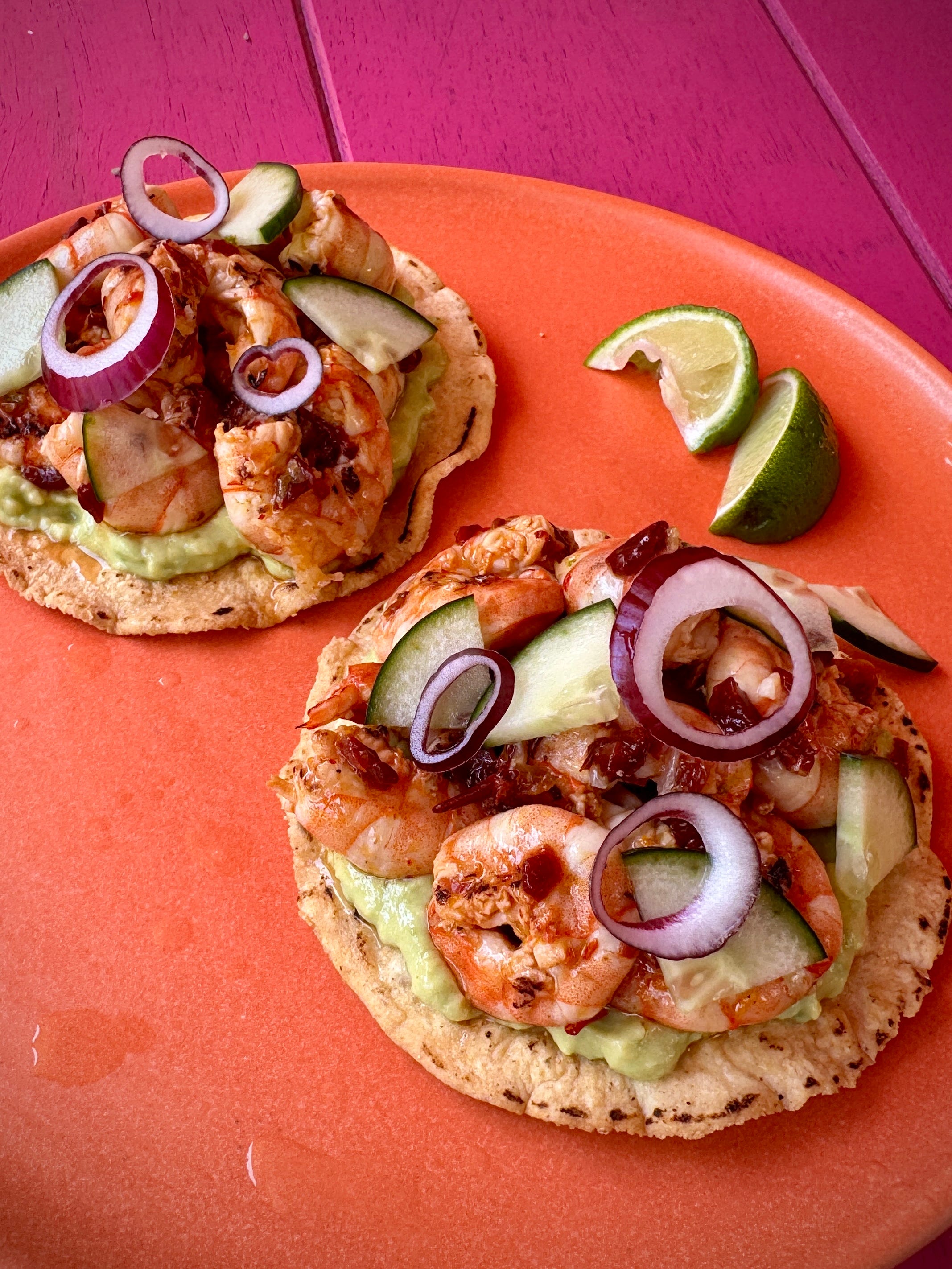
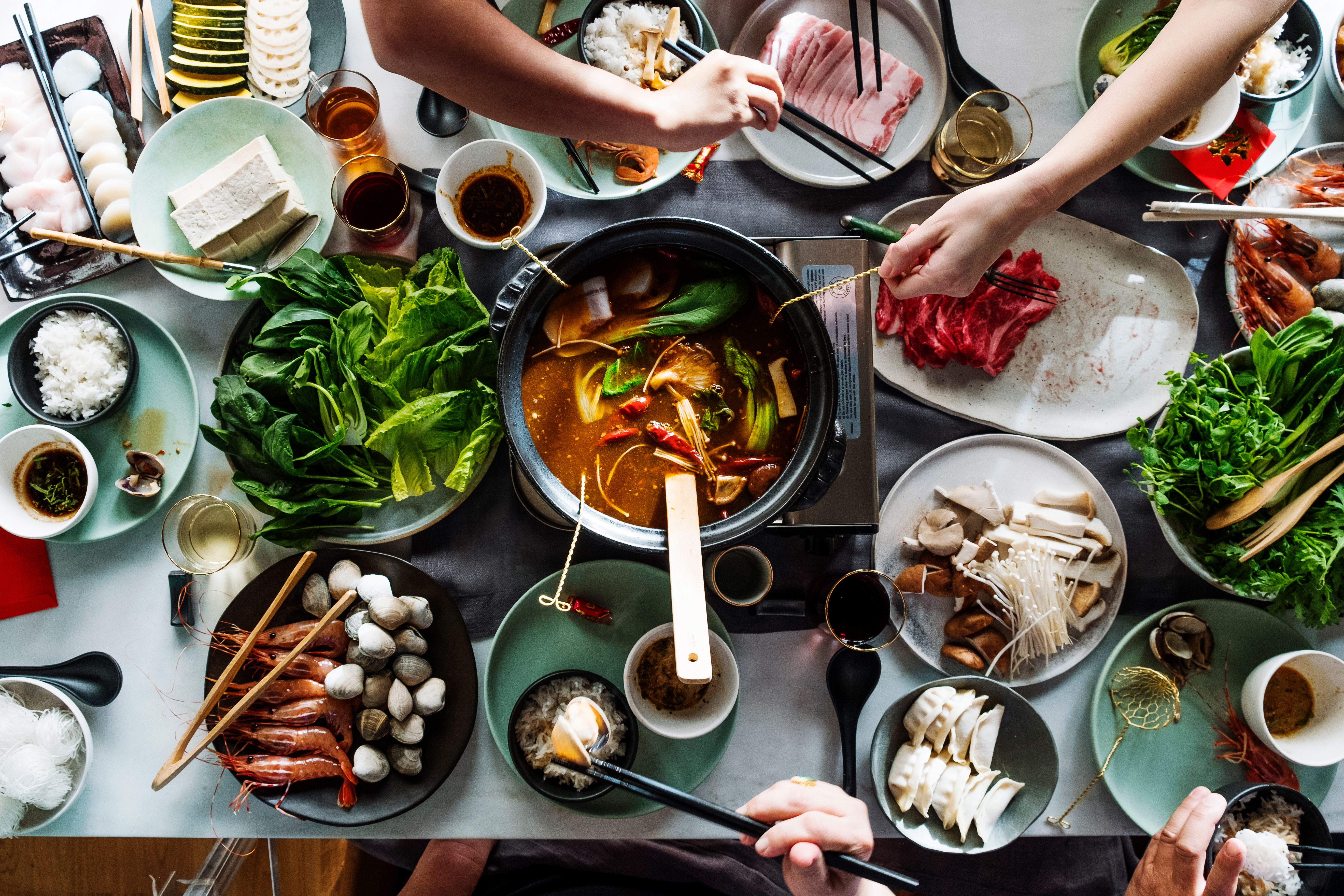
- Real food photography reveals textures, portion sizes, and plating style that text explanations completely miss.
- Scanning menus for hidden allergens (like shrimp paste in Thai curries or lard in Mexican refried beans) requires ingredient-level parsing.
- Good camera technique—avoiding glare, squaring the frame, and using ambient fill light—makes menu scanning faster and far more accurate.
The 'boiled water slices' problem: why literal translation fails on menus
Camera translation tools are built for street signs, subway maps, and instruction manuals. When you point them at a restaurant menu, they attempt a direct dictionary lookup for every character or word. In the world of cooking, that approach breaks down instantly.
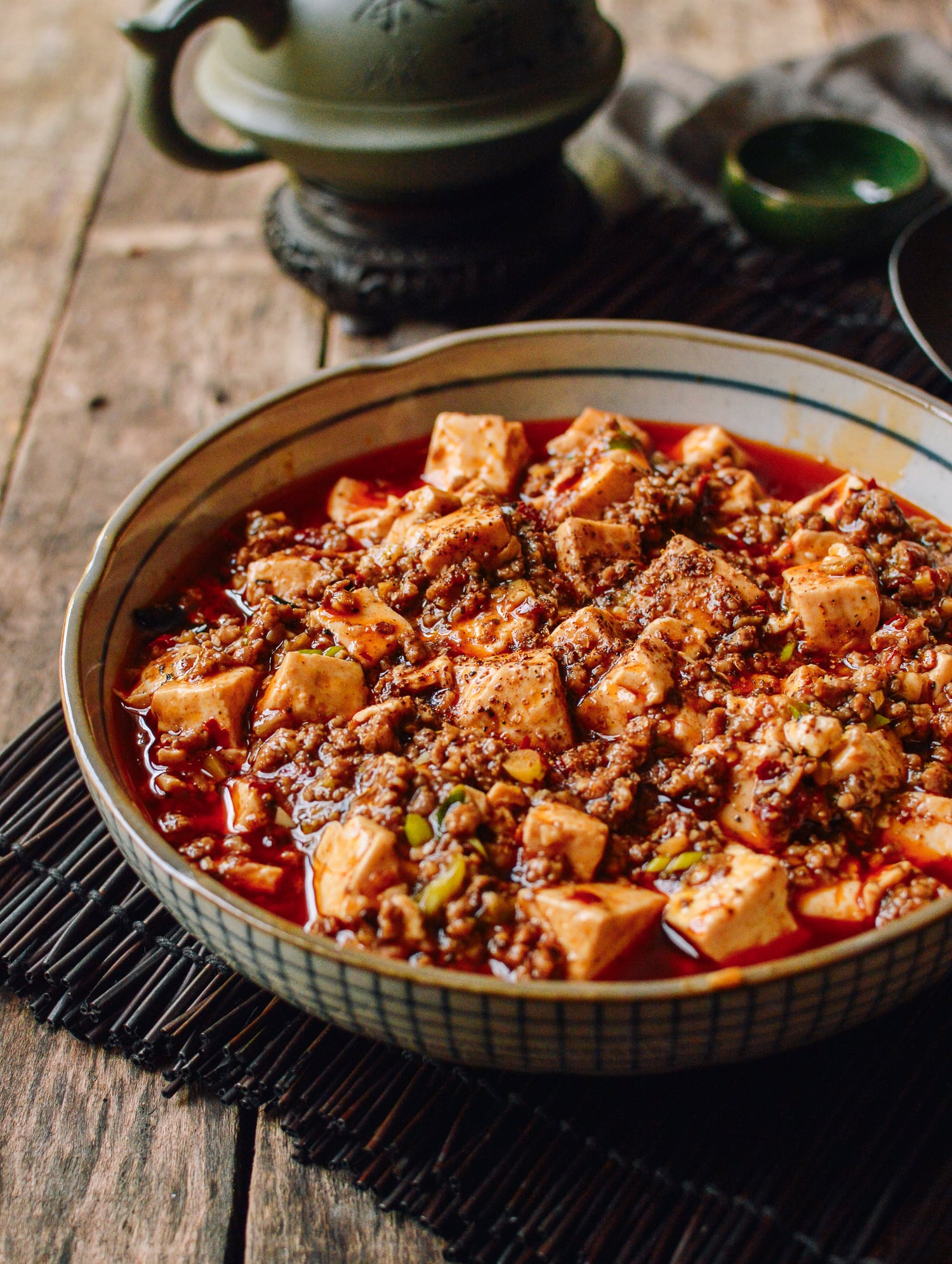
Take Chinese Shui Zhu Yu. A basic camera translator reads the characters literally and yields 'water boiled fish.' What actually arrives at your table is a searing bowl of tender fish fillets submerged in a fragrant, ruby-red broth loaded with toasted Sichuan peppercorns and dried chili peppers. Or consider the French classic Ris de Veau. A word-for-word app gives you 'rice of calf,' which sounds like a gentle grain dish—until you learn it actually means pan-seared sweetbreads (thymus gland).
Culinary names rely on regional metaphors, historic slang, and local preparation methods that dictionaries simply do not grasp. Knowing the dictionary meaning of three isolated words tells you almost nothing about what the dish looks, smells, or feels like when served.
Why seeing matched photos beats reading text descriptions
A written description can tell you that a dish contains potatoes, cheese, and lardons. It cannot tell you whether you are getting a refined, layered gratin, a bowl of crispy hash browns, or a molten crock of Alpine Tartiflette. Visual context changes how you order.
When you see real food photos alongside a menu item, your brain processes the dish in seconds. You instantly gauge portion scale, garnish heavy-handedness, bone-in versus boneless proteins, and whether the dish is doused in sauce or served dry. Apps like MenuDish bridge this gap by using AI to read and translate the text on foreign menus, then matching each item to real food photos from existing culinary databases. Instead of guessing what 'grandmother's secret vessel' might be, you see a crisp photo of slow-braised pork belly in a clay pot.
Spotting hidden allergens and dietary dealbreakers
For diners with shellfish allergies, celiac disease, or strict vegetarian diets, a bad menu translation is not just an inconvenience—it is a safety risk. Traditional translators miss ingredient nuances buried beneath poetry or tradition.
In Southeast Asia, green curries and papaya salads almost always contain fish sauce or shrimp paste, even when listed under a 'vegetable' heading. In traditional Italian trattorias, pasta sauce like Amatriciana gets its rich, savory base from cured pork jowl (guanciale), even though the menu heading might simply read 'tomato and pecorino.'
A smart menu scanner parses the dish into its underlying culinary components. By extracting hidden broth bases, cooking fats, and seasoning pastes, you can spot peanuts, dairy, or gluten before making a mistake you will regret for the rest of the evening.
Tips for getting crisp menu scans in dark restaurants
The best menu scanner is only as good as the image you feed it. Romantic bistros, bustling izakayas, and late-night tapas bars share one common enemy: dismal lighting that leaves camera sensors struggling to sharpen text.
To get a clean scan on the first try, avoid holding your phone at a steep angle. Frame the menu directly overhead, keeping the edges square. If a single overhead lamp creates a harsh reflective hot spot on laminated paper, tilt the menu slightly toward ambient room light rather than shining your phone's blinding flashlight straight down onto the gloss.
If a menu is particularly long or multi-paged, scan section by section—starters first, then mains—rather than trying to squeeze thirty items into one tiny frame. Capturing clear header text ensures the optical character recognition correctly pairs dish titles with their descriptions.
How to combine technology with table etiquette
Using a phone to scan a menu should streamline your meal, not replace interaction with your server. Once you have used a tool like MenuDish to understand what a dish looks like and what ingredients it contains, you can order in the local language with confidence.
Point to the item on the printed physical menu, pronounce the native dish name as best you can, and smile. Servers everywhere appreciate guests who take an interest in authentic regional specialties without needing a ten-minute explanation of every entry. Technology gets you past the language barrier; curiosity gets you a great meal.
Don't cook it — find it.
See every dish on any menu before you order. Scan, see the photo, check allergens & nutrition.