Key takeaways
- The top-left button on a ramen vending machine is almost always the shop's flagship bowl with full toppings (Zenbu-nose).
- Basic broth types are written in standard Kanji: Shoyu (soy sauce), Miso (fermented soybean), Shio (salt), and Tonkotsu (pork bone).
- Kaedama (替玉) buys an extra serving of noodles—make sure to leave plenty of hot soup in your bowl before ordering it.
- Scanning the machine layout with MenuDish matches the Japanese text to real food photos so you know exactly what toppings come with each option.
The Top-Left Rule: Where the Signature Bowl Hides
If you feel overwhelmed in front of a shokkenki (the Japanese ticket vending machine), remember one cardinal design secret: Japanese ticket machines follow standard Z-pattern reading order. The single button at the top-left corner is almost always the restaurant's proudest dish.
Ramen chefs place their signature offer in this prime real estate. Usually, it is the full-topping bowl, known as zenbu-nose (literally 'all toppings included'). It costs slightly more than the basic bowl—typically 1,100 to 1,400 yen—and comes loaded with extra tender chashu pork slices, a soft-boiled marinated egg (ajitama), bamboo shoots (menma), and crisp sheets of nori seaweed.
If you want the baseline version without extra toppings, look down the same column. The plain house bowl usually sits right underneath or two rows down at a lower price point.
Decoding the Kanji: Broths, Toppings, and Portions
When a shop offers multiple style options, knowing three or four key Japanese characters saves you from ordering blind. Look at the broth categories first:
醤油 (Shoyu): Soy-sauce based broth, usually clear and savory.
味噌 (Miso): Rich, fermented soybean paste broth, thick and satisfying.
塩 (Shio): Light, salt-based broth highlighting poultry or seafood notes.
豚骨 (Tonkotsu): Milky, rich pork bone broth characteristic of Kyushu style.
Beside broth styles, button text frequently specifies portion size. 並 (Nami) means regular size, while 大盛 (Oomori) indicates a generous double portion of noodles. If you see つけ麺 (Tsukemen), you are ordering dipping noodles where chilled, thick noodles arrive on a separate plate alongside a concentrated dipping soup.
Kaedama and Customizations: Managing Extra Noodles
Tonkotsu ramen spots in particular feature a special button labeled 替玉 (Kaedama). This buys you an extra serving of boiled noodles poured straight into your existing bowl halfway through your meal. Never drink all your broth on the first pass if you plan to hit the kaedama button—you need enough liquid left to coat the fresh batch.
When you hand your ticket to the chef over the counter, they might ask you a short question regarding noodle texture or soup strength. At Hakata-style pork broth shops, you can specify noodle firmness: katame for firm, futsuu for standard, or bari-kata for extra firm with a toothsome bite.
Side items sit along the bottom row of the vending machine. Look for 白飯 (Shiro-meshi) for a bowl of white rice, 餃子 (Gyoza) for pan-fried dumplings, and ビール (Biiru) for cold canned or bottled beer.
When Text Fails: Visualizing the Buttons
Some older machines lack photo stickers, leaving you with identical plastic buttons differentiated only by prices and small kanji characters. Standing in line while trying to manually search dictionary definitions character by character creates immediate dining stress.
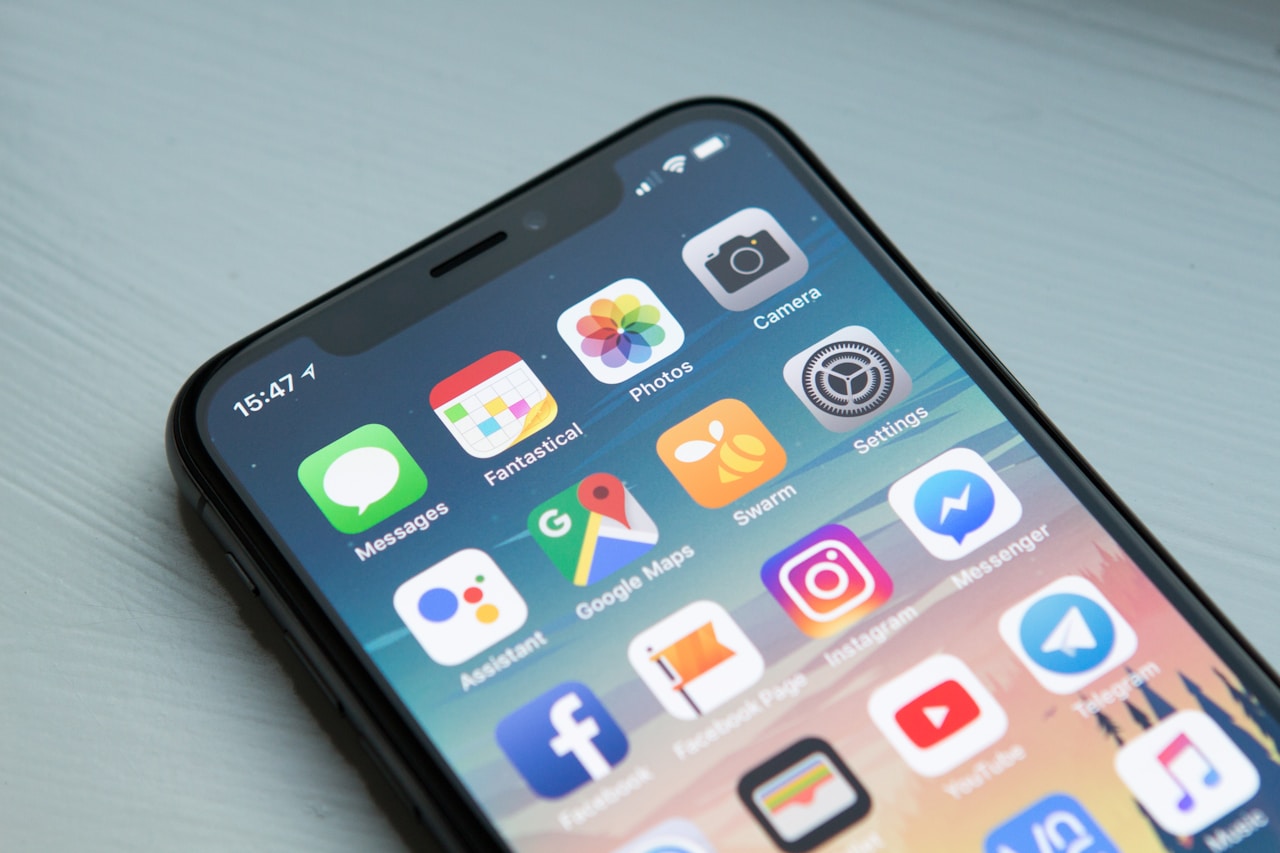
This is where pointing a phone camera running MenuDish directly at the control panel removes the guesswork. The app scans the machine layout, translates the Japanese characters, and pulls up matched photos from real dish databases. Seeing that a specific button includes garlic oil or thick-cut pork loin rather than thin belly gives you total confidence before you slot your 1,000-yen bill into the feeder.
Counter Rules: How to Seat Yourself and Eat
Buying the paper ticket is only half the battle. Once the machine chugs out your small paper receipt and drops your metal change into the tray, take both to the counter.
Place your ticket directly on the raised counter ridge above your seat. Do not hand it directly to the chef's hands unless they reach across to take it. The staff will pick up the ticket, tear a small notch or write a note, and begin dropping noodles into boiling water.
Water is almost always self-service in ramen shops. Look for a large plastic pitcher or ice water tap set along the counter ledge, grab a cup from the inverted rack nearby, and pour your own. When you finish eating, lift your heavy ceramic bowl onto the upper ledge, grab the damp cloth provided at your seat, wipe down the counter space in front of you, and say a quick 'gochisosama deshita' (thank you for the meal) as you step out.
Don't cook it — find it.
See every dish on any menu before you order. Scan, see the photo, check allergens & nutrition.